

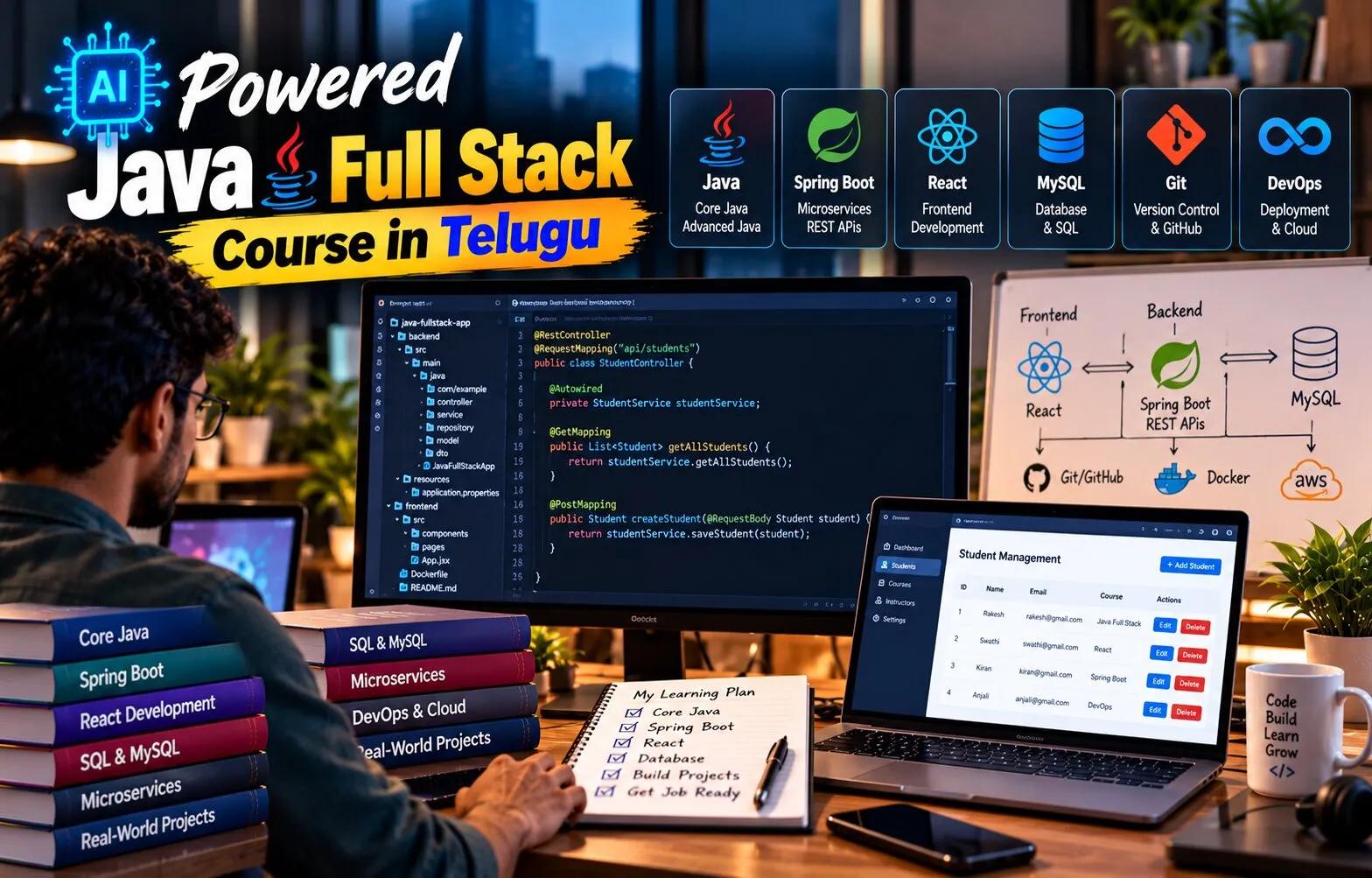
AI Powered Java Full Stack Course in Telugu: Explore AI-Assisted Debugging and Code Improvement
Writing code is only one part of software development. Developers spend significant time finding defects, understanding unexpected behavior, improving readability, reviewing performance, and maintaining older code.
Debugging is therefore not a secondary skill. It is one of the most important abilities a developer can build.
Modern AI-assisted tools can make debugging faster by explaining errors, reviewing code, suggesting possible fixes, and identifying patterns that developers may overlook. However, the tool does not understand the entire application automatically.
An AI Powered Java Full Stack Course in Telugu can help learners use these tools responsibly while developing the debugging habits required for real Java projects.
Errors Are Part of Development
Beginners sometimes believe good developers write code that works correctly on the first attempt.
That is unrealistic.
Even experienced developers encounter:
syntax errors
null values
incorrect conditions
database exceptions
API failures
dependency conflicts
security issues
configuration problems
The difference is not whether errors occur.
The difference is how systematically the developer investigates them.
Read the Error Before Changing Code
A common beginner habit is changing several lines immediately after an error appears.
This often creates additional problems.
A better approach begins with the actual error message.
Suppose a Spring Boot application produces a NullPointerException.
The stack trace usually shows where the exception occurred.
The developer should first identify the relevant line.
Then ask:
Which value is null?
Why is it null?
Where should it have been initialized?
This reasoning is more useful than randomly adding null checks.
Reproduce the Problem Consistently
A bug becomes easier to fix when the developer can reproduce it.
Suppose users report that an order fails only when a coupon is applied.
Try the same request repeatedly with controlled input.
Check which condition triggers the failure.
A reproducible bug allows the developer to compare behavior before and after a fix.
Without reproduction, it is difficult to know whether the problem is actually solved.
Use Logs to Understand Backend Behavior
Spring Boot applications can provide detailed logs.
Logs help answer questions such as:
Did the request reach the controller?
Which service method executed?
Was a database query called?
What exception occurred?
What input was received?
Developers should add meaningful logs at important points while avoiding sensitive information such as passwords or tokens.
Logging creates evidence.
Guessing creates uncertainty.
AI Can Explain Stack Traces
Long stack traces can be intimidating.
A learner can provide the relevant error section to an AI assistant and ask for an explanation.
A useful request may include:
the error message
the related code
expected behavior
actual behavior
framework version
The tool may identify likely causes.
However, the developer should verify the suggestion against the real program.
A confident answer from an assistant is not proof that the diagnosis is correct.
Compare Expected and Actual Behavior
Debugging becomes easier when the requirement is clear.
Suppose a discount function should return 10 percent for premium users.
The actual result is 5 percent.
Now the developer has a defined difference.
Check:
input values
conditions
calculation
method calls
returned value
A bug is often easier to isolate when the developer can state exactly what should have happened.
Break Large Problems into Smaller Parts
Consider a frontend request that fails to save a new employee.
Several layers may be involved:
React form
HTTP request
Spring controller
validation
service logic
repository
database
Instead of examining everything at once, test each layer separately.
Does the API work in Postman?
Does the controller receive the expected JSON?
Does validation pass?
Does the repository save the entity?
This method narrows the search area.
AI-Assisted Code Review Can Reveal Improvements
Debugging fixes incorrect behavior.
Code improvement goes further.
An assistant may suggest:
simpler conditions
better method names
smaller functions
removal of duplicate logic
safer null handling
better exception handling
These suggestions can be useful, but not every recommendation should be accepted.
A shorter solution is not automatically more readable.
The developer should consider team standards, maintainability, and business context.
Avoid Refactoring Without Tests
Suppose an existing service method works but contains messy code.
A developer wants to improve it.
Before changing the structure, tests should cover the existing behavior.
Then the method can be refactored.
If tests still pass, confidence increases that the functionality has not changed accidentally.
AI can suggest refactoring, but tests provide the evidence that the change remains safe.
Performance Problems Need Measurement
Not every slow-looking line is the real problem.
Suppose an API takes four seconds to respond.
Possible causes include:
slow database query
too many queries
external API delay
large JSON response
inefficient loop
network issue
The developer should measure before optimizing.
Database logs, profiling tools, and request timing can identify where time is actually being spent.
AI can suggest possibilities, but performance work should be based on data.
Security Bugs Require Extra Caution
Some code improvements can accidentally weaken security.
For example, simplifying authentication logic without understanding it may expose protected endpoints.
Removing validation may allow malicious input.
Logging complete request objects may expose credentials.
Generated security fixes should therefore be reviewed carefully.
Security-related code should never be treated as harmless boilerplate.
A Practical Debugging Example
Imagine an order API returning a 500 error when a user purchases a product.
The learner can investigate in sequence:
send the request in Postman
check the response
read the backend log
identify the exception
inspect the service method
verify product availability
check database constraints
reproduce the issue
apply a targeted fix
run tests again
This process teaches more than simply copying a generated solution.
AI Can Help Create Better Tests
Once a bug is fixed, add a test that would catch the same problem in the future.
An assistant can help brainstorm edge cases.
For example, an order service might need tests for:
zero quantity
missing product
insufficient stock
invalid discount
duplicate submission
The developer decides which cases reflect real requirements.
Why Telugu Explanations Can Help
Debugging involves many terms such as stack trace, breakpoint, exception, log, refactoring, performance, dependency, and test case.
Keeping these terms in English prepares learners for real development environments.
Explaining the process in Telugu can make troubleshooting easier to understand.
An AI Powered Java Full Stack Course in Telugu can help learners develop both coding and investigation skills.
Frequently Asked Questions
Can AI fix every coding error?
No. It can suggest possible fixes, but some problems require application-specific context and direct investigation.
Should I paste my complete project into an AI tool?
Not automatically. Sensitive code, credentials, customer data, and proprietary information should be handled according to organizational policies.
What should I do before asking for debugging help?
Understand the error, reproduce the issue, and collect relevant logs or code.
Is refactoring the same as debugging?
No. Debugging fixes incorrect behavior. Refactoring improves code structure without intentionally changing behavior.
Conclusion
Good debugging is a disciplined process.
Read the error, reproduce the issue, narrow the problem, inspect evidence, test the fix, and protect the behavior with tests.
AI-assisted tools can make this process faster by explaining errors and suggesting improvements, but they work best when the developer provides context and verifies every recommendation.
Learners who build these habits become more independent and more capable of maintaining real Java applications.